Tips for Industry Professionals Interested in Incorporating Immersive Photography
The final installment of our Vision Pro series — professional cameras, lenses, and workflows for delivering immersive wedding photography that will wow your clients.
This is the third and final post in our vows series by Joe C, a groom and Vision Pro enthusiast. Start with part one on why spatial recording matters, then part two on iPhone and Vision Pro recording options.
The final part of the ongoing series on Apple's Vision Pro is presented specifically for the photography professionals among us who are curious if there are higher-end options out there to deliver the latest "big wow" for couples celebrating their big day!
New professional cameras and lenses have hit the market, which allow filmmakers to capture immersive events. I'm happy to tell you that there are very high-end production quality options out there, and to my knowledge, nobody in the professional field is taking advantage of them yet.
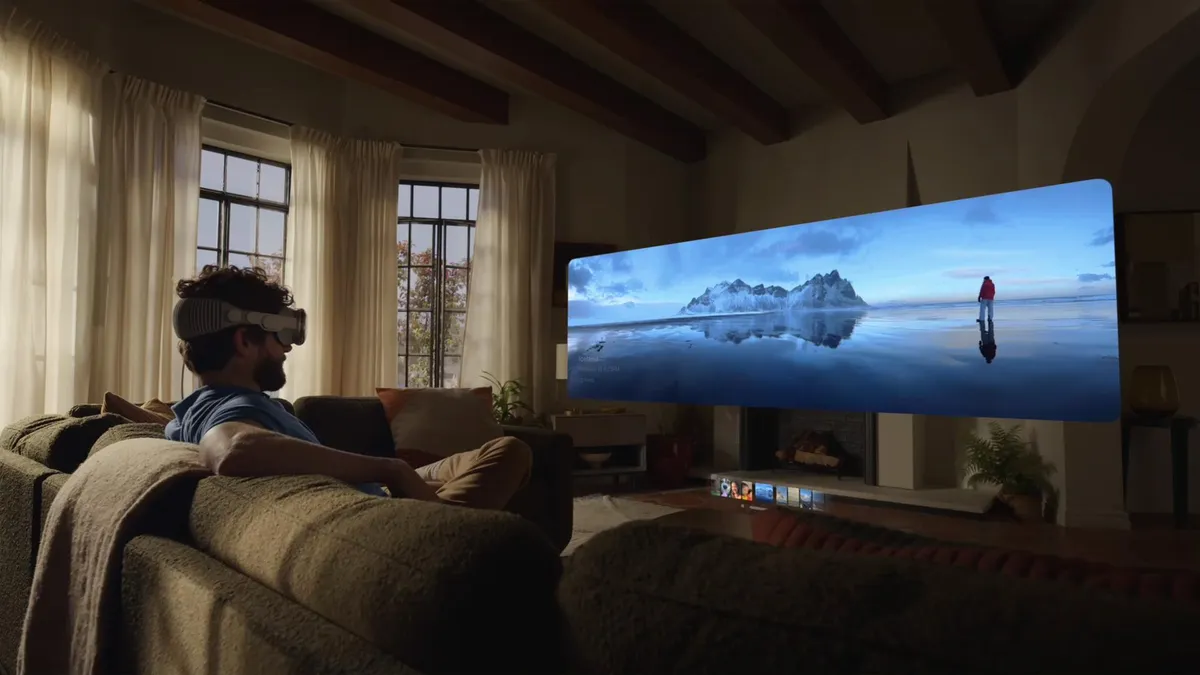
When something recorded in spatial mode from an iPhone or Vision Pro is viewed on a Vision Pro, it can feel like watching a 3D film in a traditional cinema. When an immersive video is viewed in Apple Vision Pro, it can deliver a very similar experience to the viewer as someone who is watching a 3D film on a sixty-foot-tall IMAX dome screen. When presented in this way to a bride and groom, it should deliver the "wow" moment many brides are looking for, and the cutting-edge technological "cool factor" that will impress many grooms.
Shooting for immersive ratios
For photographers who are not familiar with shooting in immersive ratios, the rules are a lot different than shooting at traditional aspect ratios. Unless you are attempting an artistic angle, subjects recorded in an immersive ratio should be photographed so their heads are oriented in the center of the frame, not the top.
Director Christopher Nolan made a conscious decision to frame actor Tom Hardy's entire body when photographing him with a traditional IMAX camera in The Dark Knight Rises (2012). Nolan chose to present Tom's head at the very top of the IMAX camera's frame during Bane's initial reveal to Batman. This had the intentional effect of making Tom's villainous Bane character appear exceptionally large as he approached Batman. As someone who remembers watching this scene on an eighty-foot-tall IMAX screen, seeing an eighty-foot-tall Tom Hardy walking towards me had me very concerned about Batman's safety at that moment. This may not be the kind of effect you want to use to present your bride and groom, which is why we recommend capturing all subjects in the center of your frame when filming them with immersive lenses.
Understanding dual fisheye lens cameras
The cameras we will discuss are equipped with what professionals may recognize as a "Dual Fisheye Lens" assembly to capture 180-degree 3D immersive video. These lenses allow for a wild field of view at two different focal lengths. When viewed on a flat screen, the fisheye lens can produce an artistically distorted image, but with the help of modern editing software, viewing fisheye-captured content in Virtual Reality produces no such artistic distortion and instead makes the viewer feel literally "wrapped up" in the recorded moment.
Since the lenses can capture a full 180-degree field of view, photographers who plan to use a tripod may need to seek out a camera extender and counterweight capable of pushing their camera ahead of the center of their tripod, else the feet of the tripod may become visible in the recorded image.
Editing immersive content
Editors who prefer editing with their Apple Mac will be happy to learn that Final Cut 11 supports immersive video editing for content formatted in compatible codecs. Final Cut 11 is a free update for existing Final Cut X owners — if you previously purchased a copy of Final Cut X on the Mac App Store, you should be able to update to version 11 at no additional cost.
The new editing software is optimized for Macs powered by Apple Silicon, so editors may need to investigate upgrading their hardware if they're still using Intel-based Macs. If you do need to upgrade, we recommend reaching out to an IT professional with Apple experience to assist with your data migration.
Professional camera options
Canon DSLR lenses
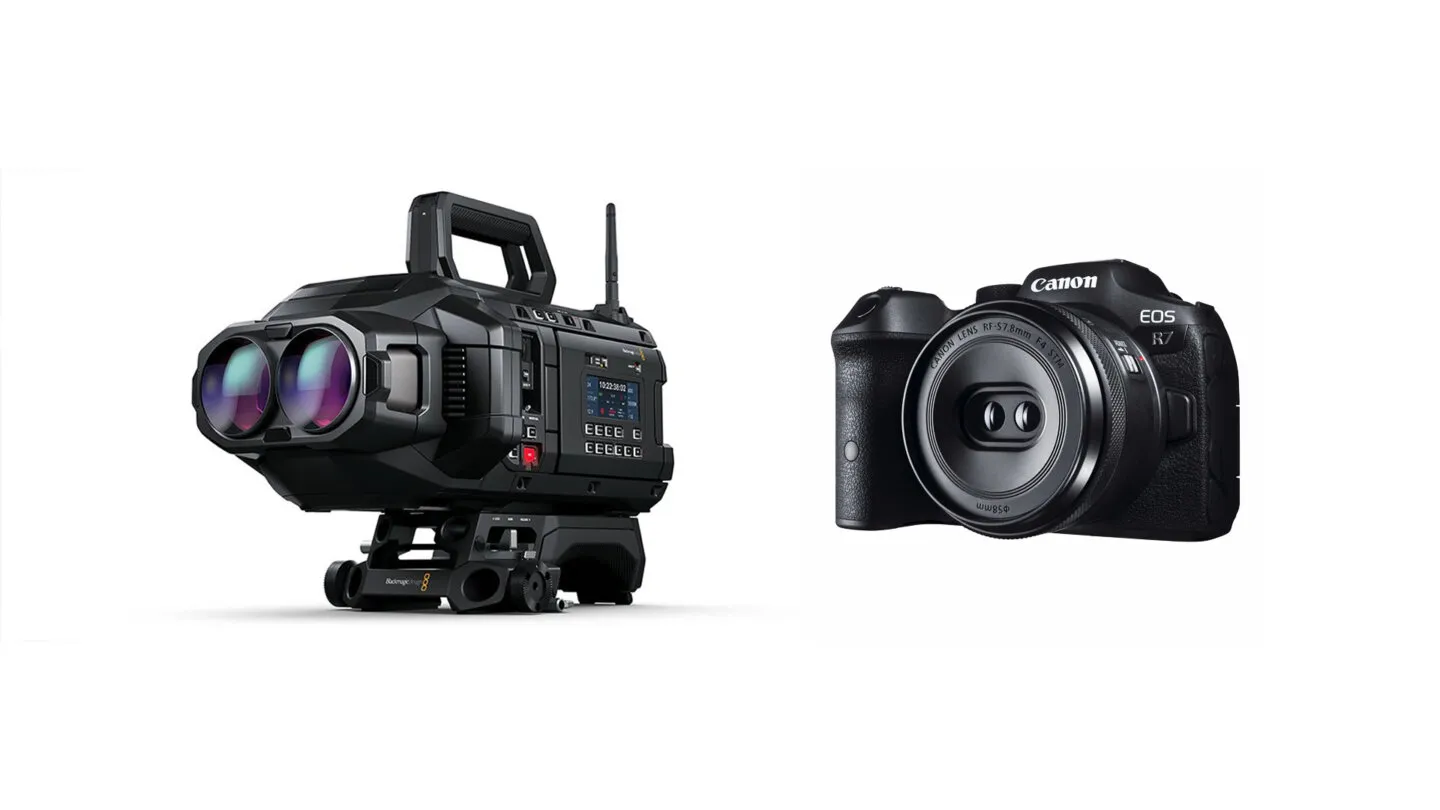
As professional photographers, many of you may have existing Canon DSLR cameras, such as the R5 or R7, alongside various lenses. Since the release of Apple Vision Pro, Canon has released new sets of lenses specifically designed for recording immersive content. We recommend checking with your existing camera vendors to confirm which Canon DSLR models will support the current supply of immersive lenses on the market.
If you happen to already own a compatible Canon DSLR, you may need to have your tech expert perform a firmware update on your camera before capturing immersive content. Be aware that any photos and video taken with the spatial lens may require post-production processing with Canon's subscription-based editing software before the images can be edited in Final Cut 11 or transferred to Vision Pro.
Blackmagic URSA CINE Immersive
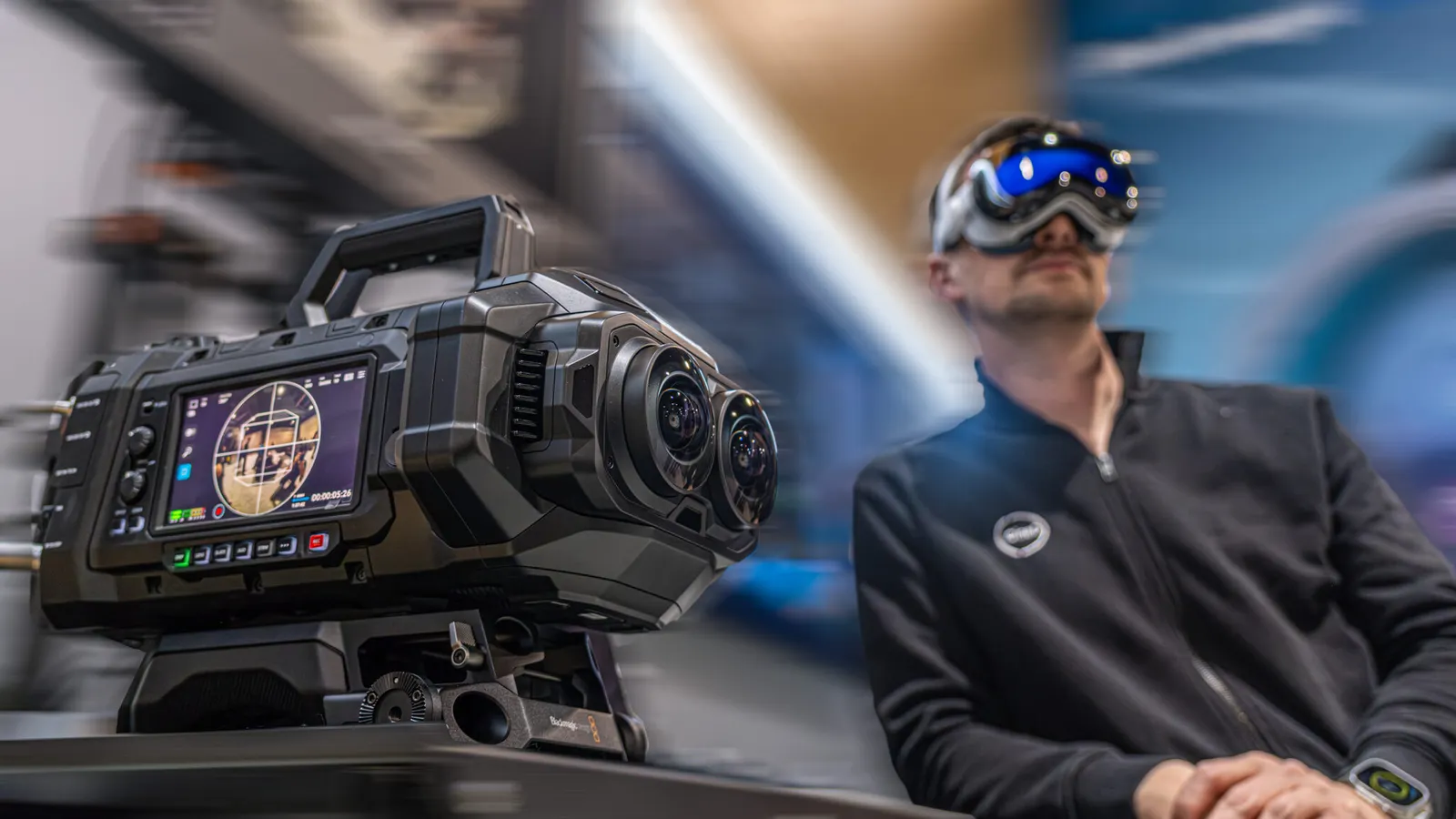
Finally, we want to talk about what is currently being used on major productions: the new Blackmagic URSA CINE Immersive camera. These are dual fisheye lens video cameras capable of recording a 180-degree field of view at 4K resolution. URSA CINE cameras are already being used in professional immersive productions, whether to capture LA Lakers games or for Apple TV immersive documentaries like Canal+'s Tour De Force.
This is a very expensive option and should only be purchased by high-end production studios experienced with using commercial-grade cameras alongside Blackmagic's editing software, DaVinci Resolve, to assist with importing and preparing raw video footage. Apple has promised compatibility with this software for producing content for Vision Pro, but you may need to invest in a DaVinci Resolve professional license to access its spatial editing features.
Limitations to consider
There is still no existing distribution method in place for immersive content produced at these specifications. AirDrop alone is not sufficient to send immersive files to your customers, and no websites currently exist to host and stream this kind of content. If your intention is to self-publish for wide distribution, you may need to seek the help of an iOS-focused app developer to create a custom Vision Pro app.
If you choose not to go this route, any immersive video you produce can serve as a fantastic on-site demo to prospective customers.
How flshbckz fits in
While you're investing in cutting-edge immersive production gear, don't forget the simple things that make a wedding album whole. The candid guest photos — the laughter during speeches, the dance floor energy, the flower girl twirling — these moments are best captured not by a professional camera, but by the people celebrating with you.
flshbckz gives every guest a virtual disposable camera in their pocket. No app download, no accounts — just a QR code scan and they're shooting. Set up a partner photo app alongside your immersive recording setup, and your clients get the best of both worlds: a cinematic 3D replay of their vows and hundreds of candid guest photos they'd never get otherwise.
Ready to offer immersive photography?
Whether you're experimenting with iPhone spatial video or investing in a full Blackmagic URSA CINE setup, flshbckz is the perfect companion to collect the candid moments your professional gear might miss.
Create a free event · See how it works · Try the camera
The complete vows series
- How to Create Virtual Memories That Will Last Forever With Vision Pro — Part one: why spatial recording matters
- Spatial Photography Options for Watching Immersive Events in Vision Pro — Part two: iPhone vs. Vision Pro recording options
- You're here — Part three: professional gear and workflows
Keep reading
- Your Wedding Needs a Partner Photo App — Here's Why — Collect candid guest photos at every event
- How to Set Up a Guest Photo Booth Without an App — A complete setup guide for your reception
- flshbckz Paid Plans Are Here — Upgrade for larger events and more guests
— Joe C, Groom and Vision Pro Enthusiast
Cover image: Immersive Video — optimized for web. Professional photography tools for the modern wedding.