How to Set Up a Guest Photo Booth Without an App
Skip the expensive rental and the app store friction — set up a guest photo booth that lives in your guests' browsers with just a QR code.

You want your guests to take photos at your event. The obvious options are not great:
- Rent a photo booth — $400–800, needs floor space, power, and an attendant. Guests wait in line. The prints end up on fridges for a week, then the trash.
- Tell everyone to download an app — they won't. Or they will, take one photo, and never open it again.
- Pass around a phone or a disposable camera — awkward, easy to lose, and only one person shoots at a time.
There's a better way. A guest photo booth that works in a browser, costs nothing to set up, and lets everyone shoot from their own phone simultaneously.
What is a no-app photo booth?
It's exactly what it sounds like: a shared photo-taking experience where guests use their phone's camera through a web page — no app store, no accounts, no download. You create the event, share a QR code, and every guest becomes a photographer.
With flshbckz, the experience feels like a disposable camera from the 90s, but it lives entirely in the browser. Guests scan, shoot, apply a film look, and their photos go straight into a shared album that reveals at a time you choose.
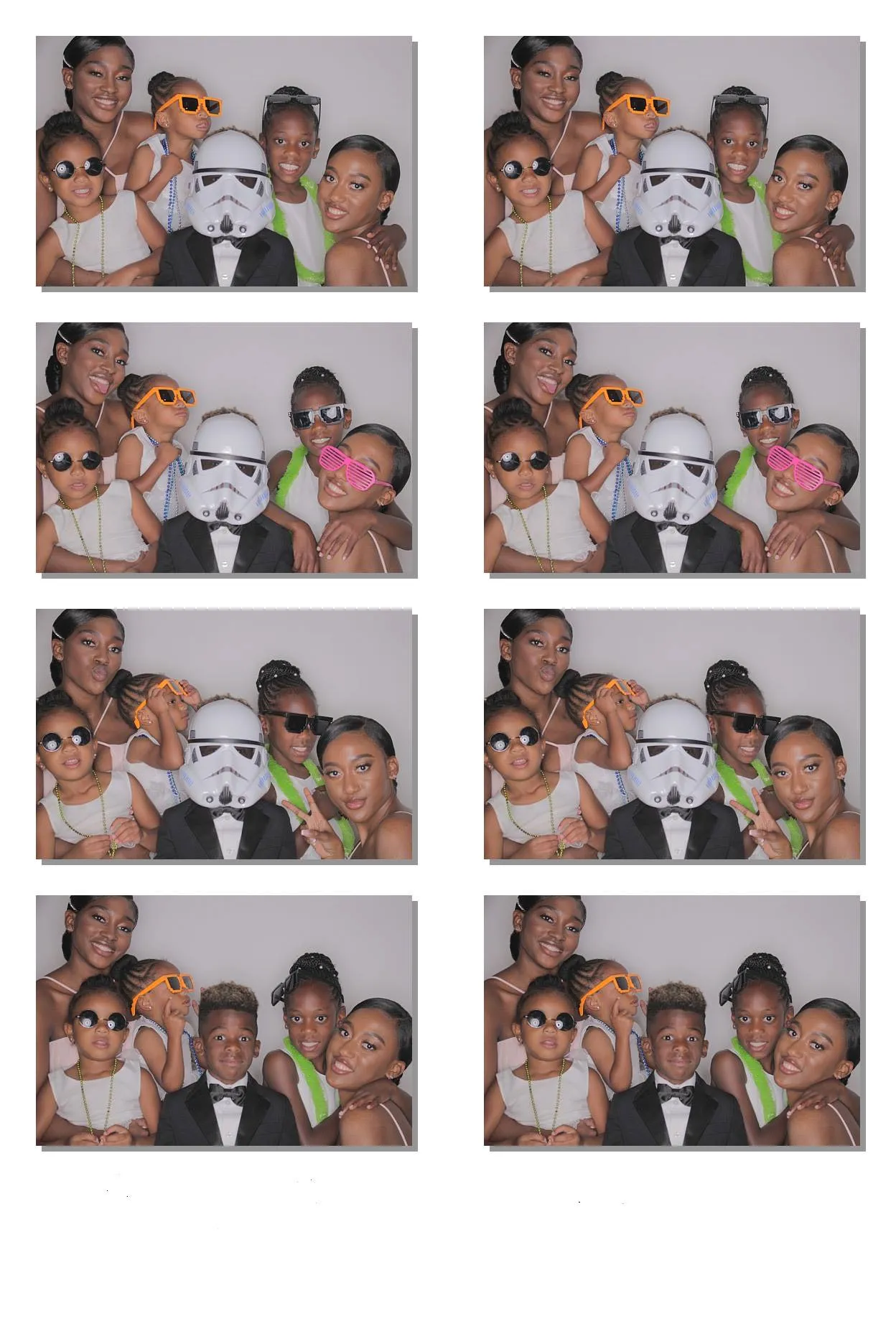
Step-by-step setup guide
1. Create your event
Sign up and create an event in under a minute. Name it after your gathering — "Sarah & Mike's Wedding", "Office Holiday Party 2026", "Family Reunion" — and set how many shots each guest gets. Twenty-four is the classic disposable camera number, but you can go higher or lower.
2. Get your QR code
Once the event is created, flshbckz generates a unique QR code and link. Go to the event settings and download the QR code as a PNG, or use the built-in print page that auto-formats it as an A4 sign with instructions.
3. Place the signage
Print the QR code on tent cards, table signs, or a poster. Put it in 2-3 high-traffic spots:
- The bar — everyone visits the bar. This is your highest-traffic placement.
- The entrance — capture guests when they arrive, looking their best.
- The dessert table — people linger here. Great for candid shots.
4. Guests scan and shoot
Guests scan the QR code with their phone camera (iOS and Android both support this natively). The camera opens instantly in their browser. They frame their shot, pick a film look, and tap the shutter. No account. No download. No friction.
5. The album reveals
Photos stay hidden until you decide it's time. Set a scheduled reveal — midnight on your wedding night, the morning after a party, or instantly if you want real-time updates. When the album drops, everyone sees the full collection at once. It's like developing film, but digital and instant.
Why it beats a traditional photo booth
| Traditional photo booth | flshbckz no-app booth |
|---|---|
| $300–800+ rental fee | Free to start |
| Requires 6×6 ft floor space | Zero footprint |
| One guest shoots at a time, creates a line | Everyone shoots simultaneously from their seat |
| Guests wait for prints | Photos appear in the digital album |
| Prints get lost or thrown away | Digital copies last forever |
| Needs power and Wi-Fi | Works on cellular data too |
| Attendant required | Self-serve |
Tips for the best results
Set a shot limit that creates intention. Ten shots per guest means every frame counts. Twenty-four feels generous but still scarce. Thirty-six and guests will hand their phone to friends. Pick based on your crowd and event length.
Place QR codes at eye level. A tent card on a table gets buried. A 4×6 sign propped next to the bar sign gets scanned. Use the print page — it was designed for exactly this.
Reveal on a delay for maximum impact. There's something magical about everyone looking through the album together at a set time. It becomes an event within the event. Set the reveal for midnight or the next morning.
Don't over-explain. The print page already has three instructions: 01 Scan, 02 Allow camera, 03 Snap away. That's all guests need.
Who this works for
- Weddings — guests capture candid moments the photographer misses (see our partner photo app guide for wedding-specific tips)
- Birthday parties — pass the virtual camera around the table
- Corporate events — team building without the cheesy photo booth backdrop
- House parties — no awkward group poses, just real moments
- Reunions — every branch of the family contributes to one album
Any gathering where people take photos anyway — this just makes sure you actually see them.
Ready to set yours up?
Create your event for free — no credit card, no app download, no rental truck.
Create your photo booth · See how it works
Photos by Still Media Group