Spatial Photography Options for Watching Immersive Events in Vision Pro
Your iPhone already shoots spatial video. Here's everything you need to know about recording your wedding for Apple Vision Pro — iPhone vs. Vision Pro camera options, lighting requirements, and practical tips for the big day.
This is the second post in our vows series by Joe C, a groom and Vision Pro enthusiast. If you haven't read the first one, start with How to Create Virtual Memories That Will Last Forever With Vision Pro — it covers why spatial recording matters for your wedding day.
With Apple Vision Pro's native 3D video app, we've previously discussed that you can relive a recorded moment as if you were physically witnessing it again. If you want to record your special event for full enjoyment on Vision Pro, we wanted to share our current knowledge about your spatial recording options.
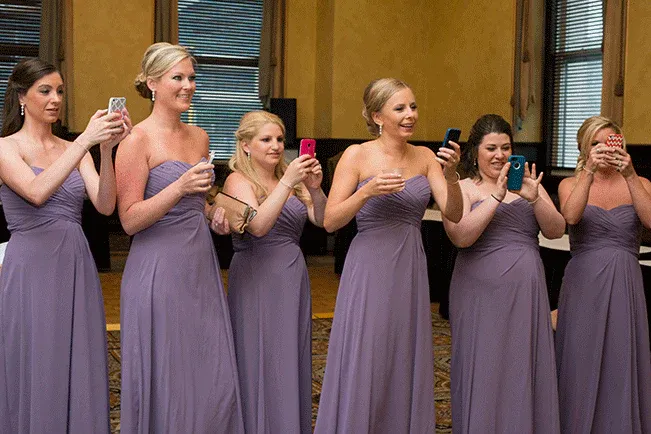
Most of you already have spatial recording in your pocket. Apple currently offers Spatial Video and Photo capabilities in its built-in camera app on various iPhone models, including the iPhone 15 Pro. That means that, with the exception of the iPhone Air, iPhone 16e, and iPhone 17e, every base-model iPhone from the iPhone 16 and 17 lines can already record spatial video and take spatial photos at 1080p. This is a strong option, but it can be challenging for indoor ceremonies because the iPhone's spatial camera needs a lot of light. Due to ambient artificial lighting in many indoor venues, spatial videos may not record well. We recommend this option for couples who have chosen an outdoor daytime ceremony. Entrust a party member with a spatial-camera-capable iPhone, have them enable spatial video mode, and tell them to start recording. Just be aware that spatial video shot this way can only be filmed in landscape orientation at a 16:9 aspect ratio. I've recorded many spatial videos this way, and I promise it will look phenomenal.
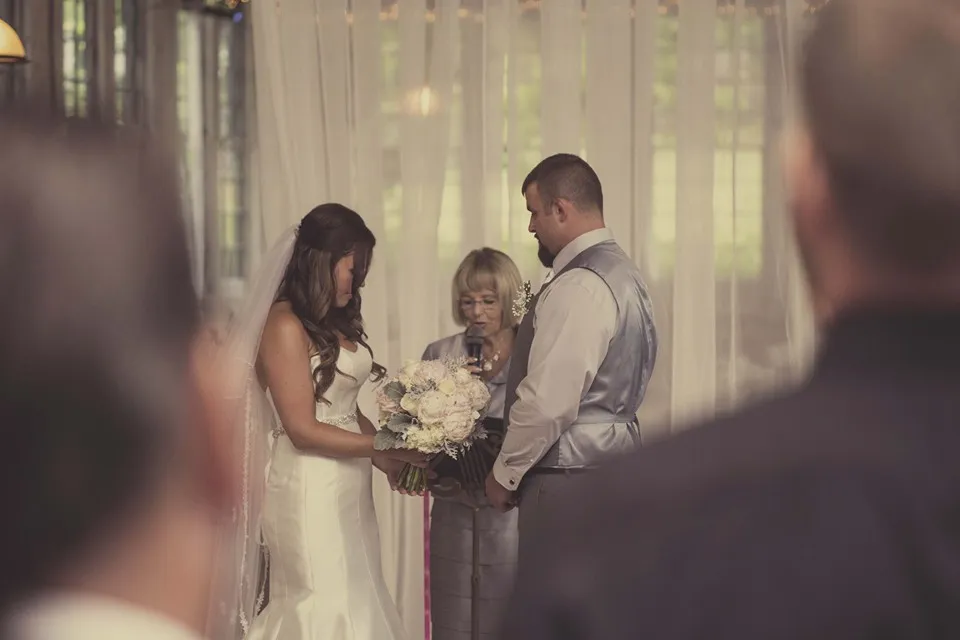
The second option is for those more interested in recording the event from a participant's point of view. Vision Pro can record native spatial video from its own internal camera, and once a recording has begun, it will continue to record until the wearer pushes the physical camera button to stop it. Picture quality on Vision Pro's camera is not as good as the iPhone, and the image is limited to a more narrow 4x3 square aspect ratio, but this is a very acceptable method of recording for couples who are holding an indoor or a nighttime wedding, as Vision Pro's spatial cameras do not require as much light as an iPhone does, just make sure to keep it away from water and direct sunlight.
If you wish to record your memories from someone's point of view, it should be the couple's decision on who should be the one doing the recording. You will have multiple options, including the groom, a member of your wedding party, a designated photographer, or the judge (justice) officiating the ceremony. If the person you've assigned the task of doing the POV recording is a civilian with no firsthand experience with Vision Pro, you may want to book them a demo at your nearest Apple Store and give them some time before the ceremony to become familiar with it before the big day comes. We can't ignore the fact that having a member of your wedding party wearing a Vision Pro during your ceremony may be a bit of a jarring experience for guests who are unaware of the product, its capabilities, or their active function in your wedding plans. It would, however, fit in perfectly if the couple wishes to host a themed wedding, with potential wedding themes including sci-fi or cyberpunk.
Personally, if you choose to go with a theme like that, I would love to get an invitation.
— Joe C, Groom and Vision Pro Enthusiast
Choosing what works for you
| Option | Best for | Quality | Aspect Ratio | Light needed |
|---|---|---|---|---|
| iPhone 15 Pro / 16 / 17 (spatial mode) | Outdoor daytime ceremonies | Excellent (1080p) | 16:9 landscape | High — outdoor light recommended |
| Vision Pro (built-in camera) | Indoor / nighttime events | Good | 4:3 square | Low — works in artificial light |
How to combine spatial recording with guest photos
Spatial video captures your ceremony in immersive 3D, but it shouldn't replace the candid guest photos that make your wedding album whole. The best approach is to run both in parallel:
- Designate one person to handle spatial recording via iPhone or Vision Pro
- Let every other guest capture candid moments through a partner photo app — no app download required, just a QR code scan
- Set up a no-app photo booth at the reception for fun, spontaneous group shots
This way you get the best of both worlds: an immersive 3D replay of your vows, plus hundreds of candid guest photos you'd never get otherwise.
Ready to capture your wedding from every angle?
flshbckz makes it easy to collect candid guest photos alongside your professional shots and spatial recordings. Create your event for free — no credit card, no app download.
Create your event · See how it works · View pricing
Keep reading
- How to Create Virtual Memories That Will Last Forever With Vision Pro — The first post in this series: why spatial recording matters
- Your Wedding Needs a Partner Photo App — Here's Why — Collect candid guest photos alongside your spatial recording
- How to Set Up a Guest Photo Booth Without an App — A complete setup guide for your reception
- flshbckz Paid Plans Are Here — Upgrade for larger events and more guests
Interior image is a temporary placeholder. Final wedding spatial photography images to be provided by Still Media Group. Cover photo by Still Media Group.