Unlock More Guests, More Memories: flshbckz Paid Plans Are Here
flshbckz paid plans are now live with secure Stripe payments. Upgrade your event photo booth to accommodate more guests, unlock premium features, and keep every memory intact.
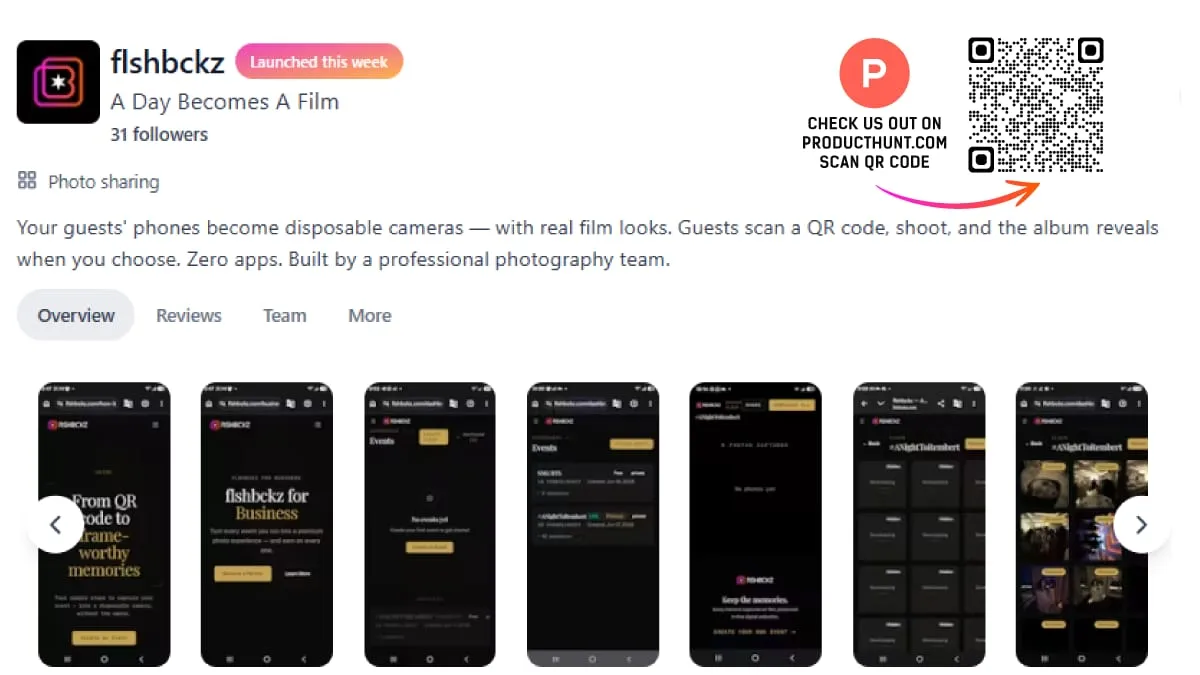
The flshbckz free plan has been a great way to test-drive the idea: create an event, hand out QR codes, and watch your guests fill an album. Five guests, ten shots each, one shared film roll. It works, and it's generous for a free tier.
But not every event fits in five frames.
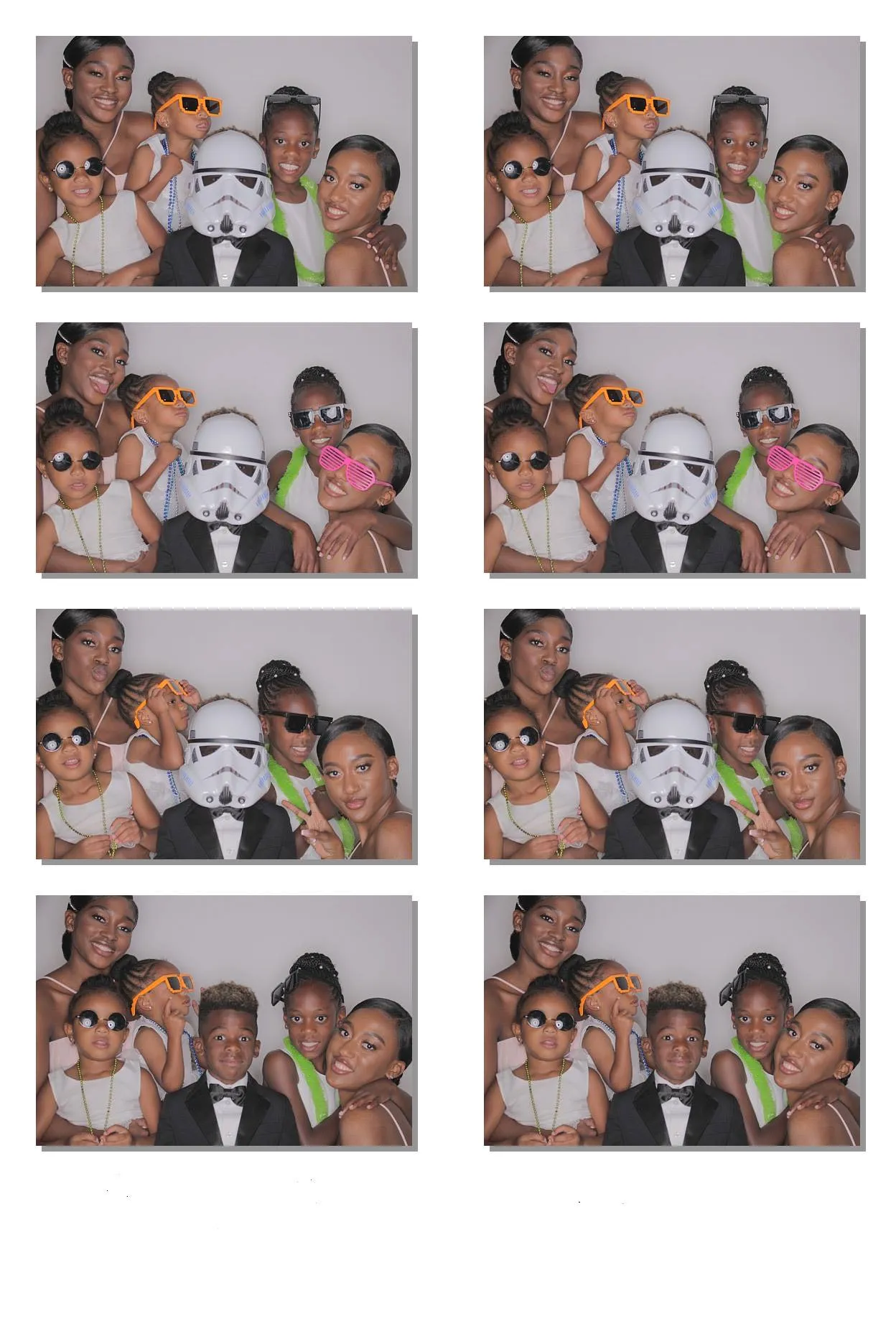
A 100-person wedding. A corporate happy hour with 50 colleagues. A milestone birthday where every table wants their own photo. These events need more room — and starting today, they have it.
Secure payments, powered by Stripe
Paid plans are now live on flshbckz, and every transaction runs through Stripe — the same payment infrastructure used by millions of businesses worldwide.
What that means for you:
- End-to-end encryption — your card details never touch our servers
- Apple Pay & Google Pay — check out in one tap on mobile
- Instant upgrades — your event tier updates the second the payment clears
No manual invoicing, no waiting, no friction. Pick a plan, pay once, and your event is upgraded immediately.
Plans for every event size
Every tier keeps the core flshbckz experience — no-app guest camera, film looks, QR sharing, scheduled reveal — scaled to your guest count.
| Tier | Guests | Price | Best for |
|---|---|---|---|
| Free | 5 | $0 | Trying it out, small family gatherings |
| Standard | 10–25 | $1.99–$4.99 | Intimate dinners, birthday parties |
| Premium | 50–100 | $12.99–$19.99 | Weddings, corporate parties, reunions |
| Event+ | 150–200 | $39.99–$59.99 | Large galas, conferences, festivals |
Each upgrade also unlocks higher shot limits per guest, longer album windows, HD downloads, and — on Premium and above — guest tags so you know who shot what.
How to upgrade
Two ways to get started:
- During event creation — select your guest count, and if it's a paid tier, you'll be prompted to check out before the event is created.
- From your dashboard — open any existing event, click "Upgrade" in the event settings, pick a new guest limit, and complete the Stripe checkout.
That's it. The new tier applies instantly, and your guests won't notice a thing — except maybe the higher shot limit.
Real events, real moments
We've seen paid plans used for:
- A 100-guest wedding reception where every table became a photo station
- A corporate holiday party with 75 attendees sharing candids in one album
- A 200-person gala with branded film looks and guest tags for follow-ups
The same flshbckz experience, just scaled to the room.
Ready to upgrade your next event?
Whether you're planning a wedding, throwing a party, or running a corporate event — flshbckz now grows with you.
Create your event · See pricing
Keep reading
- Digital Disposable Cameras Are Replacing Physical Ones — Why couples are switching from physical to digital in 2026
- How to Set Up a Guest Photo Booth Without an App — Step-by-step setup guide for any event
- Your Wedding Needs a Partner Photo App — Why every guest should be a photographer
Because every guest deserves a photo.
Cover photo by Still Media Group