Party Photo Sharing: Capture Every Birthday and Gathering
Stop losing party photos to forgotten camera rolls. QR code party photo sharing lets every guest contribute to one album — no app download, no rental, no hassle.
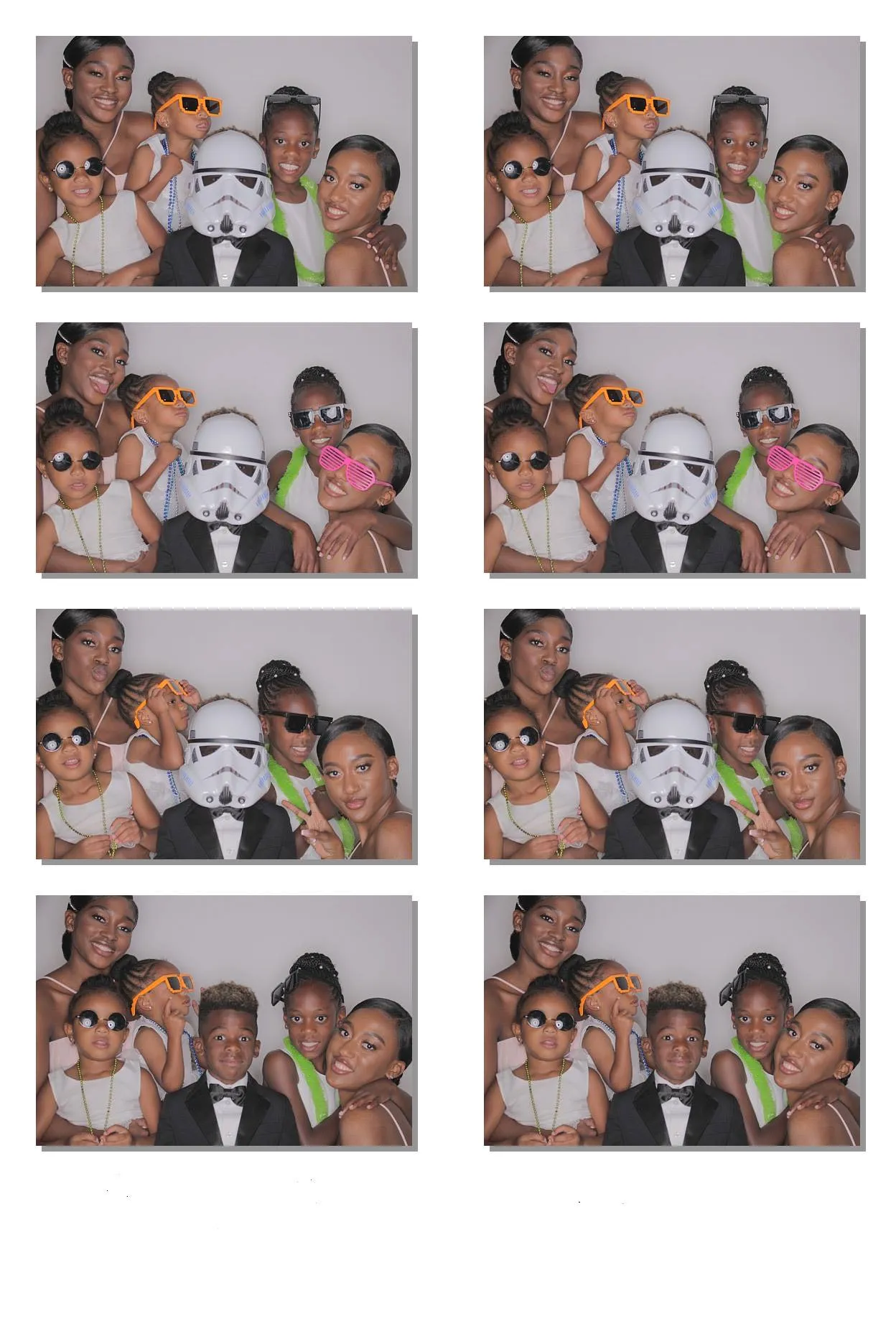
Every party has the same problem. Someone takes a great photo of the birthday girl blowing out the candles. Someone else captures the group sing-along. Your cousin gets a candid of the kids running wild in the backyard. The photos exist — scattered across 30 different phones — and nobody ever sees them again.
A week later, the host is texting: "Hey, can you send me that photo from the party?" Half the people don't respond. The other half send compressed screenshots. The album never materializes.
For the full walkthrough on running a guest camera at your own party — QR placement, shot limits, and reveal timing — see the party photo sharing page.
Why party photos get lost
The friction is the problem. Guests take photos on their phones, but sharing them requires effort:
- Texting photos — one at a time, and people forget
- AirDropping — only works with iPhones, and you have to be in range
- Shared albums — requires everyone to open an app, find the album, and manually upload
- Party hashtags — works for Instagram, but guests curate what they post. The real candid moments stay private
The result: hundreds of photos on individual phones, none of them in a shared collection the host can actually use.
The flshbckz approach: every phone becomes a party camera
flshbckz gives every guest a camera on their own phone. No app download, no accounts, no friction. Here's how it works:
- Create the event — name it after your party, set the shot limit per guest, and pick a reveal time
- Share the QR code — print it on a tent card, display it on a tablet, or just hold up your phone and let people scan
- Everyone shoots — the camera opens in their phone browser with film simulation. No line, no waiting, no bottleneck
- The album reveals — at your chosen time, every photo becomes visible. One album, every angle, every moment
The difference from passing around a camera: every guest shoots simultaneously from their own phone. No awkward handoffs. No "wait, let me take one more." Everyone captures their own perspective.
Tips for the best party photos
Put the QR code where people gather. The bar, the food table, and the entrance are your highest-traffic spots. A tent card on each table works well for seated dinners.
Set a shot limit that creates scarcity. Ten shots means every frame counts. Twenty-four feels generous. Pick based on the party length — shorter parties need fewer shots.
Choose a reveal time that's fun. For a birthday party, reveal the album during the cake cutting. For a house party, reveal it the next morning — it becomes a shared "what happened last night" experience.
Don't over-explain. The QR code signage has three instructions: 01 Scan, 02 Allow camera, 03 Snap away. Guests figure it out instantly.
Film looks that match the vibe
Each guest chooses a film stock before they shoot. Six options:
- Original — No filter applied, exactly as shot.
- Vintage — Warm, faded tones. Perfect for a retro-themed party.
- MonoChrome — Classic black and white. Elegant for dinner parties.
- Instant — Polaroid-style. The "Instagram filter that actually looks good."
- Cinematic — Rich contrast. Makes your house party look like a movie.
- Classic Film — True-to-life film stock emulation. The closest thing to a real disposable camera.
Guests switch between looks, so the album ends up with variety instead of 200 identical selfies.
Works for every type of gathering
Birthday parties. Capture the candles, the cake, the presents, and the chaos. The album becomes a birthday gift in itself.
House parties. No awkward group poses, just real moments. The album captures the party as it actually happened.
Holiday gatherings. Every branch of the family contributes to one album. No more chasing relatives for their photos.
Reunions. Set the reveal for the next morning. Everyone looks through the album together over breakfast.
Graduation parties. Capture the celebration from every angle — the decorations, the guests, the graduate.
What the album looks like
Imagine 30 guests at a birthday party, each shooting 10 photos. That's 300 frames capturing every angle — from the decorations to the last slice of cake. With film simulation baked in, the album looks cohesive even though it was taken by thirty different phones.
Compare that to a photo booth: 20 prints over 2 hours, each taken one at a time, each with the same lighting. flshbckz captures the real party, not a staged corner of it.
Ready to capture your next party?
Create your event for free — no credit card, no app download, no rental truck.
Create your event · See how it works · Photo booth alternative
Keep reading
- How to Get Better Wedding Guest Photos — The same technology, applied to weddings
- How to Set Up a Guest Photo Booth Without an App — Step-by-step setup guide
- flshbckz Paid Plans Are Here — Upgrade for bigger parties and more guests